Features
Every feature in the MealPrepPro meal planner
Plan, shop and prep from one app. Here is exactly what MealPrepPro does today, and which tools need Premium.


What is MealPrepPro?
MealPrepPro (listed on the App Store as “Meal Prep - Weekly Planner”) is an iPhone and iPad meal planning app from J&H Technology. It combines a weekly meal planner, a library of 1,000+ recipes with calories and macros on every recipe, 22 dietary filters including halal, kosher, keto and gluten-free, and a shopping list that builds itself from your plan. It is free to download, with an optional Premium subscription.
Weekly meal planner
FreeLay out a whole week with breakfast, lunch, dinner and snack slots for every day.
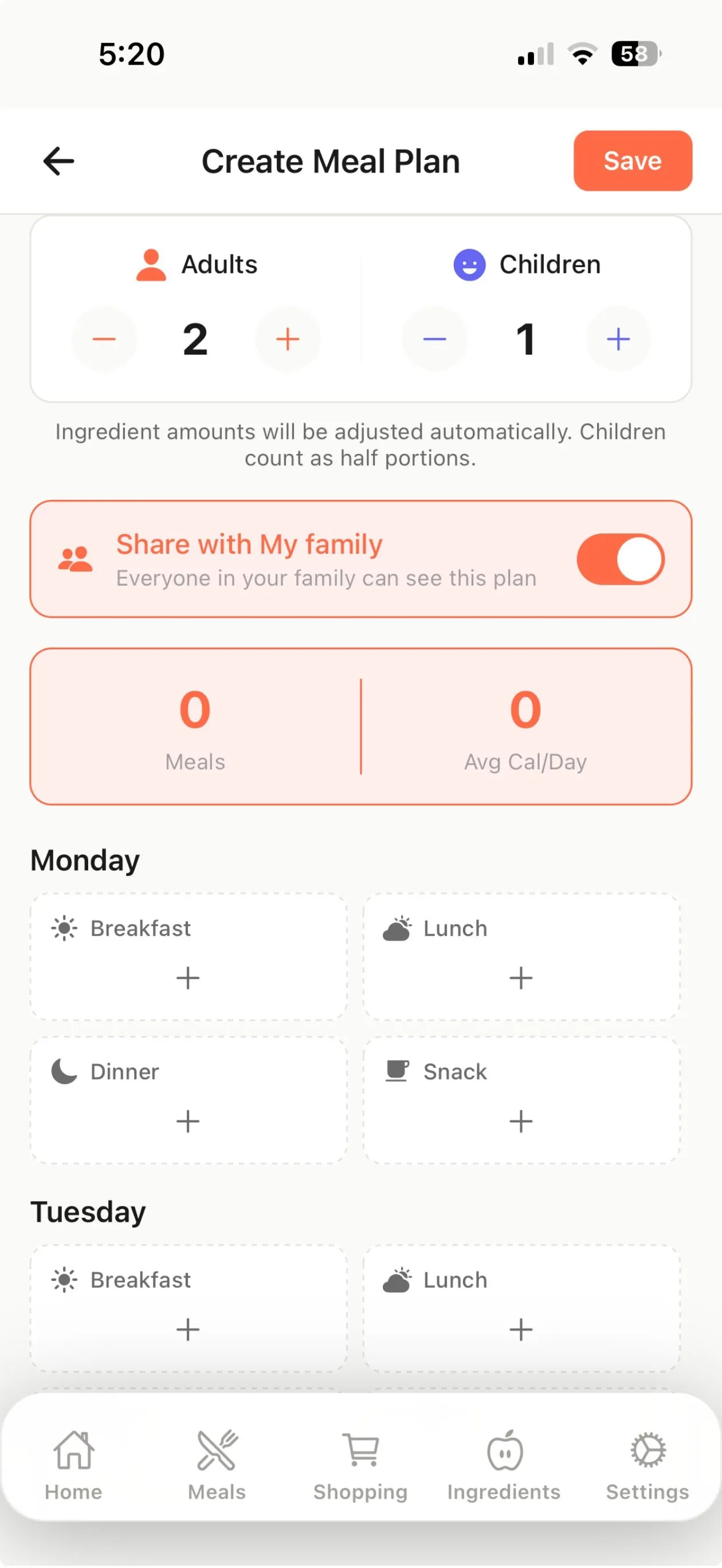
- Tap any slot to add a recipe from the library or one of your own.
- Set how many adults and children you are cooking for; children count as half portions.
- Keep several plans and switch between them, for example a regular week and a busy week.
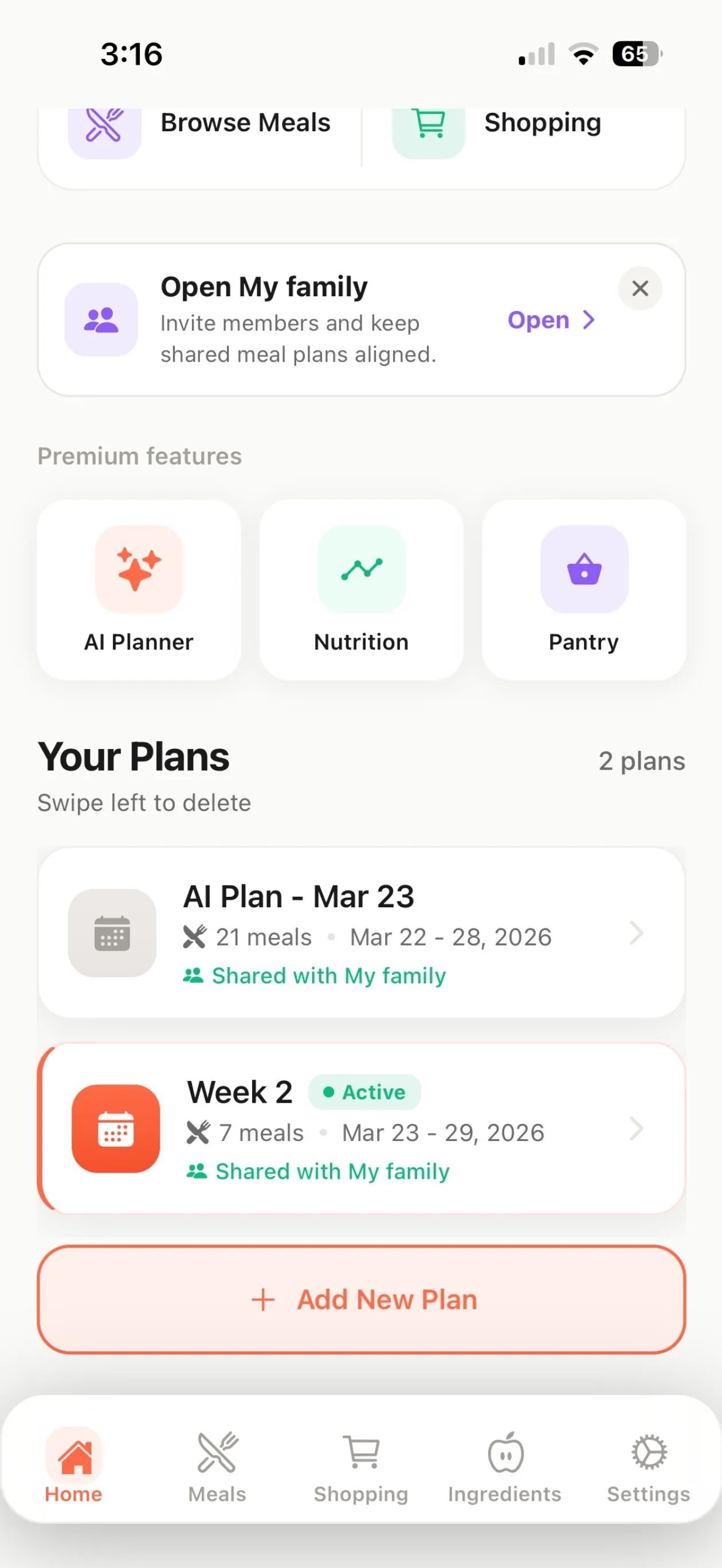
- Turn on “Share with My family” so everyone in your household sees the same plan.
1,000+ recipes with macros on every one
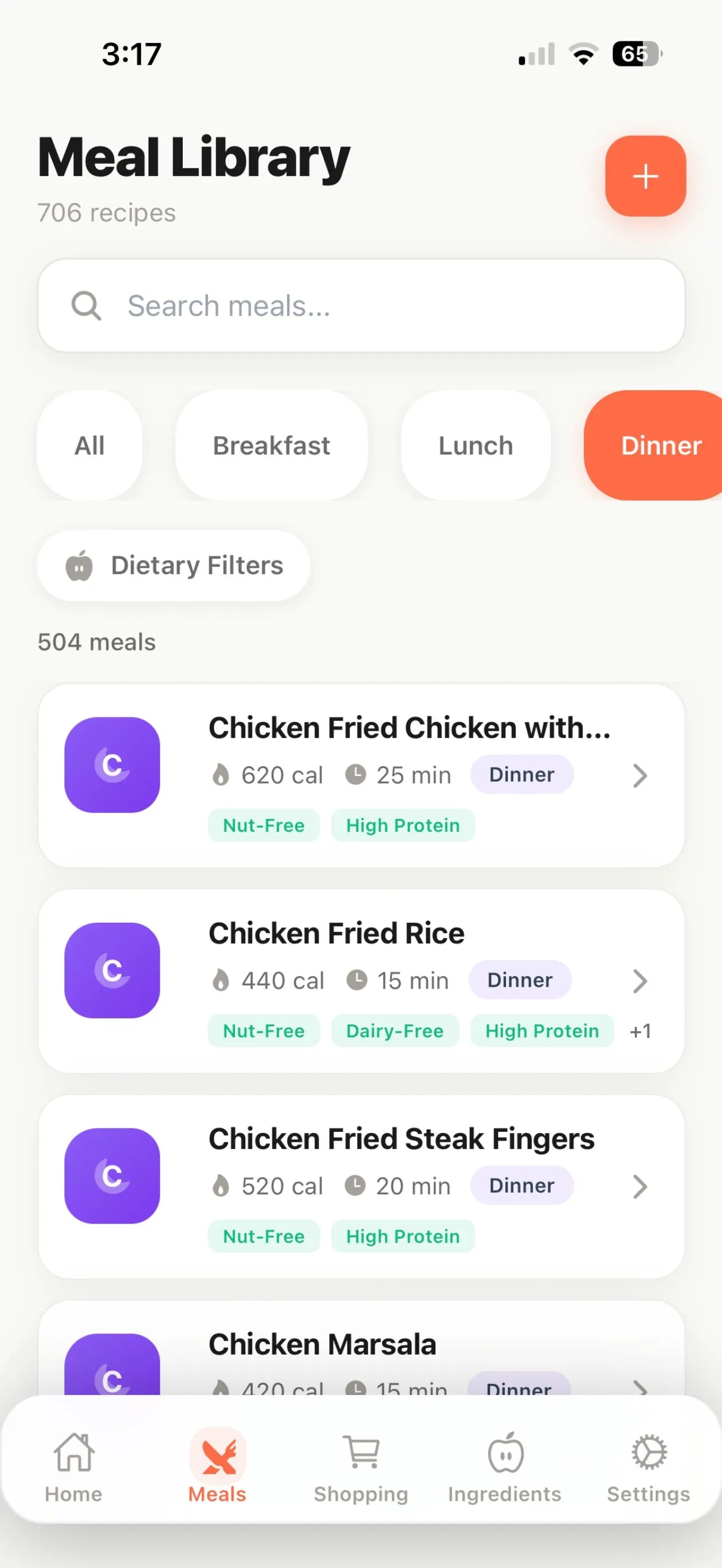
FreeA built-in library covering breakfast, lunch, dinner and snacks, each with full nutrition per serving.
- Every built-in recipe lists calories, protein, carbs and fat per serving.
- Step-by-step instructions with prep time, cook time and cooking tips.
- Search the library and filter by meal type.
- Includes public-domain recipes from the NIH National Heart, Lung, and Blood Institute and the U.S. Department of Veterans Affairs, each credited in the app. MealPrepPro is not affiliated with or endorsed by these agencies.
- Favorite recipes and rate them from 1 to 5 stars so your plans lean toward meals you like.
22 dietary filters
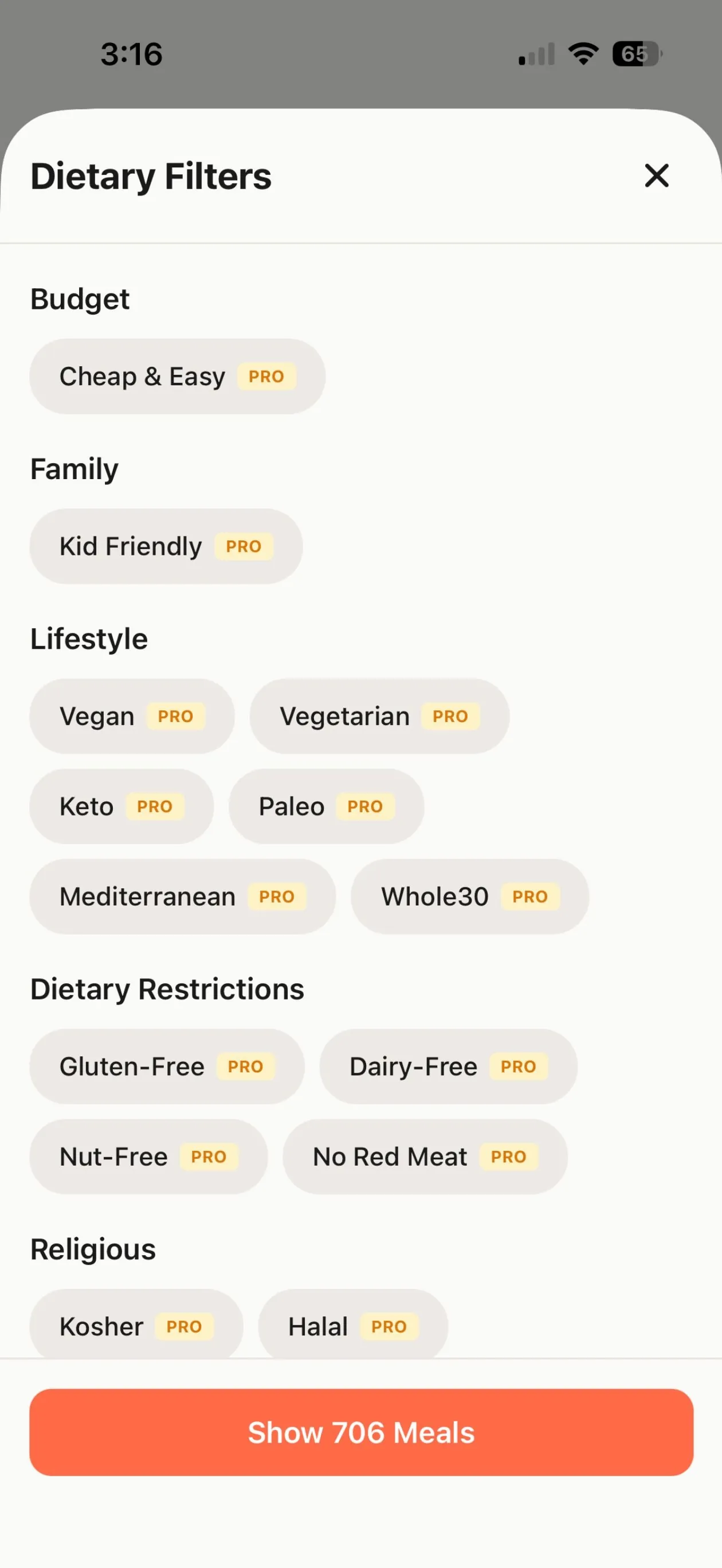
PremiumFilter recipes by 22 diets and restrictions, including halal, kosher, keto, vegan and gluten-free.
- Grouped by budget, family, lifestyle, dietary restrictions and religious needs.
- Combine filters, for example gluten-free and high-protein.
- Filters are recipe tags, not certifications: always check labels for allergens and certification.
Shopping list built from your plan
FreeTurn your week into one shopping list, grouped by store category.
- Ingredients from every planned meal are combined into one list.
- Items are grouped by category (produce, proteins and meat, dairy and so on) so you can shop aisle by aisle.
- Add your own items, check things off and track progress as you shop.
- Scan a barcode to add a product, using the Open Food Facts database.
- Export or share your list (Premium).
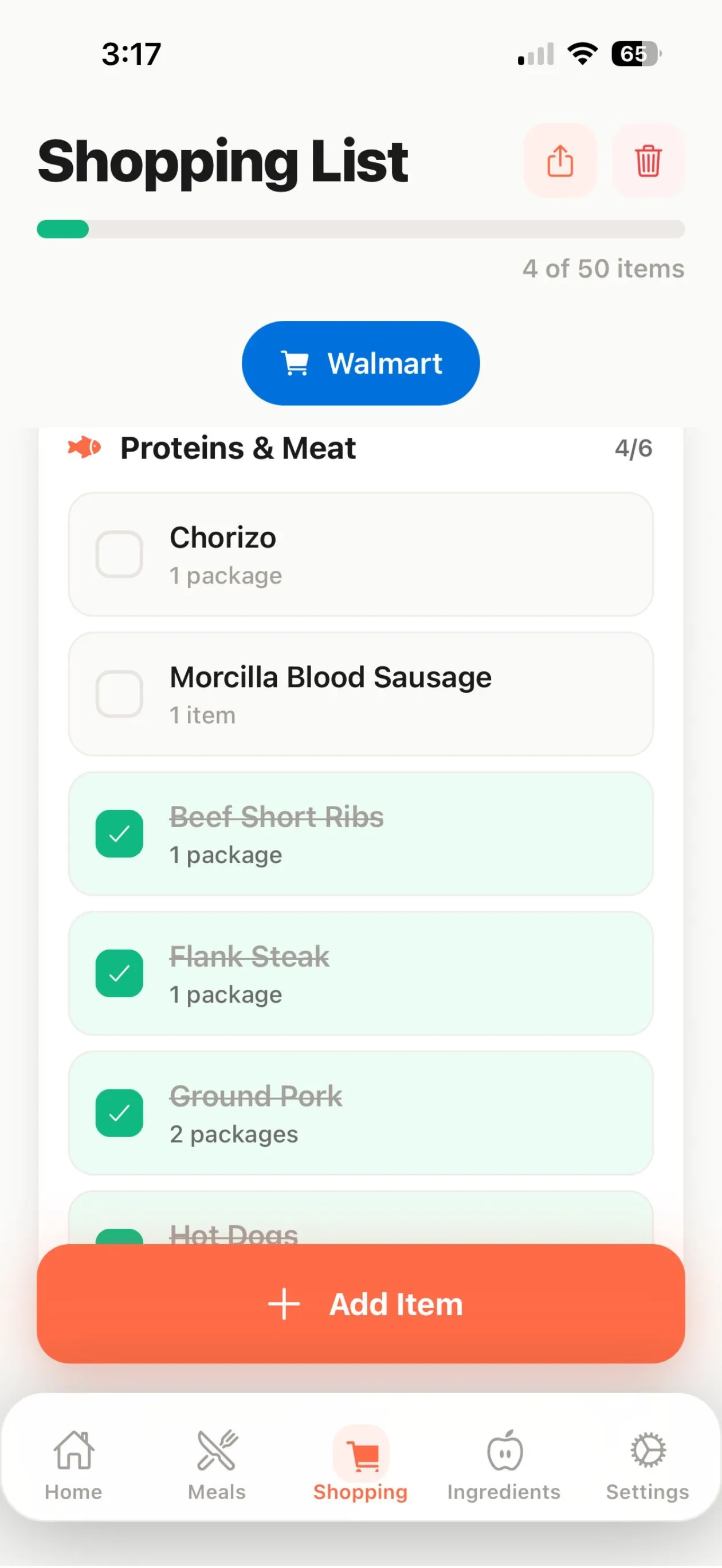
Send your list to Walmart
PremiumIn the US, send the unchecked items on your list that have a matching Walmart product to a Walmart cart.
- MealPrepPro checks your pantry first so you do not buy what you already have.
- Opens Walmart with the items added, ready for pickup, delivery or in-store shopping.
- Items sent are marked “In Walmart cart”; everything else stays on your list.
- See an estimated cost for a plan based on built-in store price data.
Meal plan generator
PremiumBuild a full week automatically from your goals, household and preferences.
- Choose a nutrition goal, a calorie target, how much variety you want and whether to include snacks.
- Budget mode leans toward lower-cost meals.
- Plan 0 to 3 leftover dinners and 0 to 4 leftover lunches to cook less and waste less.
- Uses your ratings, favorites and preferences to pick recipes. It is a rules-based engine that runs on the recipe library, not a chatbot.
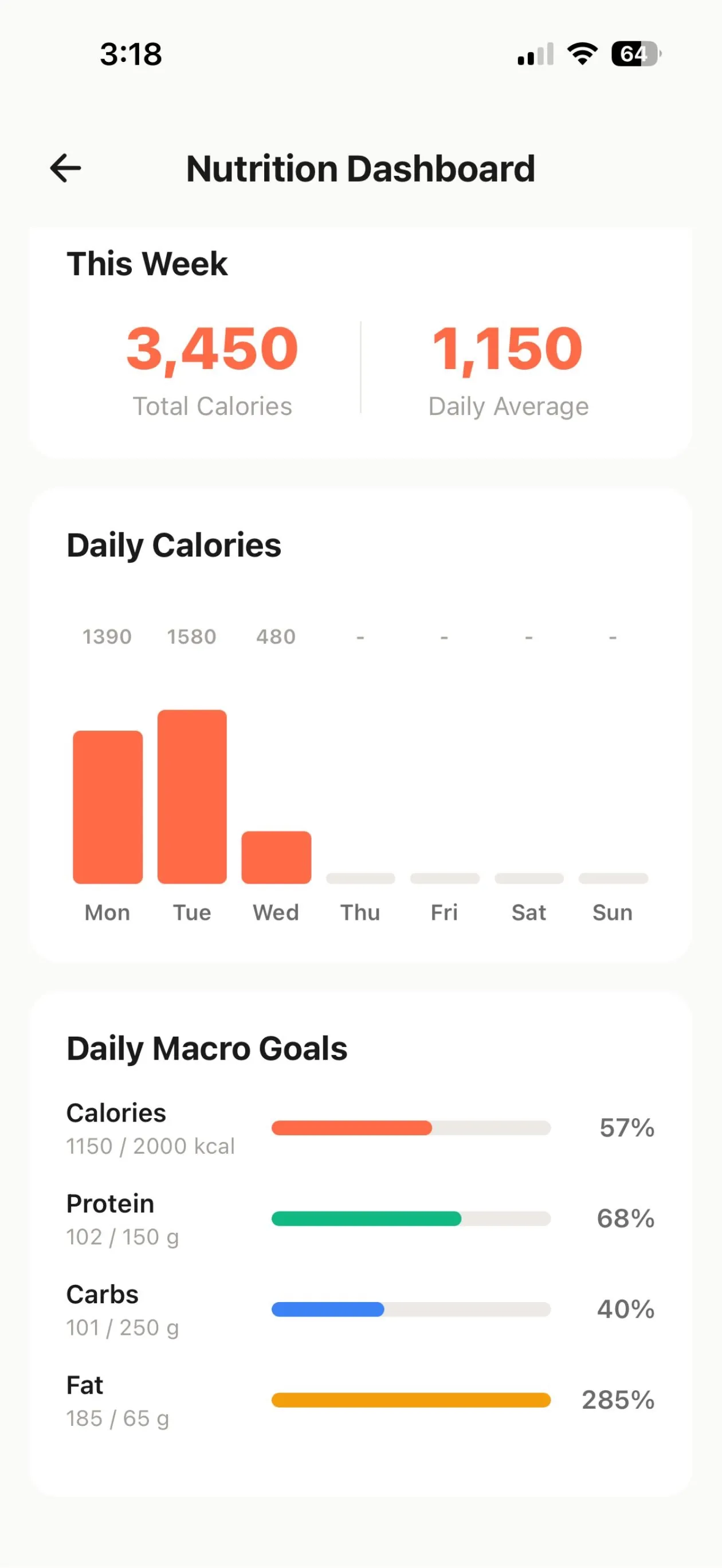
Nutrition dashboard
PremiumSee weekly calories and macros against your goals.
- Total calories for the week and a daily average.
- Daily calorie chart across the week.
- Progress bars for calorie, protein, carb and fat goals.
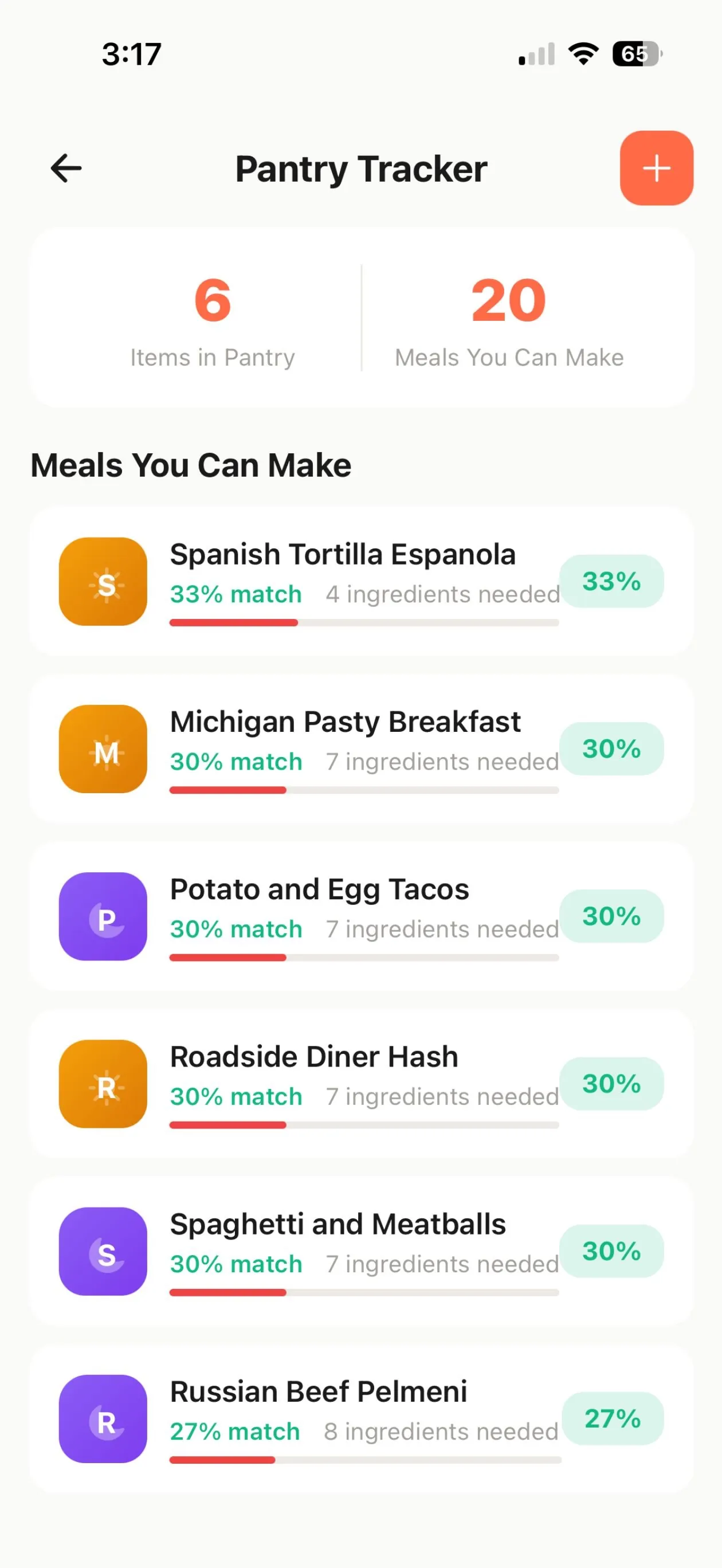
Pantry tracker
PremiumTrack what you already have and find meals you can make with it.
- Add pantry items as you buy them.
- See recipes ranked by the percentage of ingredients you already have.
- Expiration alerts help you use food before it goes off.
Cook mode
FreeA distraction-free, step-by-step view for the kitchen.
- Keeps your screen awake while you cook.
- Timers are picked up from the recipe steps.
- Large, readable steps you can follow with messy hands.
Family sharing
FreePlan once for the whole household.
- Create a family or join one with an invite code.
- Shared plans keep everyone on the same menu.
- Family members can be notified when a meal plan is shared.
Your own recipes
FreeAdd family favorites alongside the built-in library.
- Create and edit your own recipes with a free account.
- Scan ingredient barcodes while you build a recipe.
- Use your recipes in any plan and shopping list.
Reminders, offline use and dark mode
FreeSmall things that make the habit stick.
- Weekly reminders for your meal prep day and shopping day.
- Works without an account and keeps working offline; sign in with email to sync plans to the cloud.
- Light, dark or system appearance.
Compare what is free and what is included in Premium on the Premium page.
Plan your week in minutes
Free to download on iPhone and iPad. Upgrade to Premium only if you want the extra tools.